Procreate Patterns and Textures Brushset
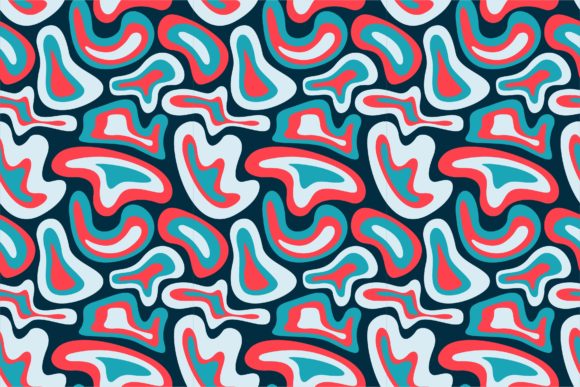
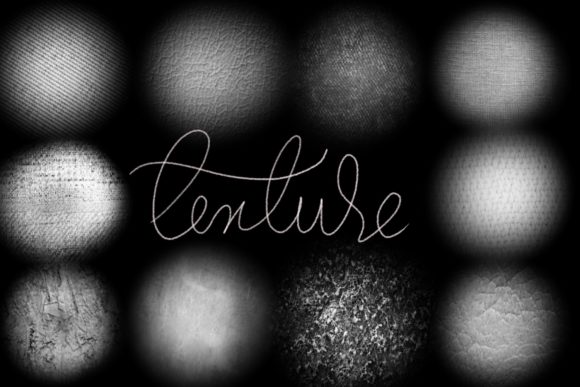
If you enjoy digital lettering or modern calligraphy, you know that the right brush can change everything. The Procreate Patterns and Textures Brushset is a hand-drawn collection of 22 brushes created to bring warmth, texture, and elegance to your designs. Whether you want to jazz up your workspace, create gifts for friends, or produce professional content, this set offers tools that feel natural and expressive.
This brushset is designed specifically for Procreate 5 and above on the iPad Pro using an Apple Pencil. It blends pattern and texture with classic calligraphy strokes, making it easier to produce lettering that stands out. The brushes are not meant for Photoshop or other software, so if you are building your creative toolkit around Procreate, this set can become a dependable resource.
What Makes This Brushset Different?
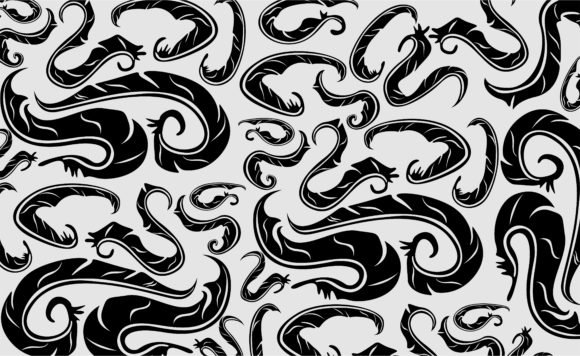
Many digital brush sets focus on smooth, uniform lines. This one does something else. The brushes here are hand-drawn, which means they carry subtle irregularities that mimic the feel of real ink on paper. That quality is valuable when you want lettering to stop looking cold or overly digital and start feeling like something made by hand.
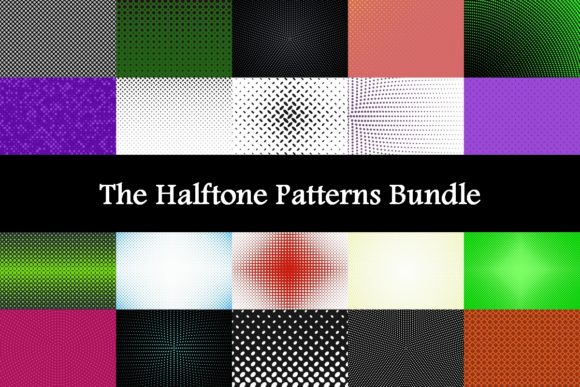
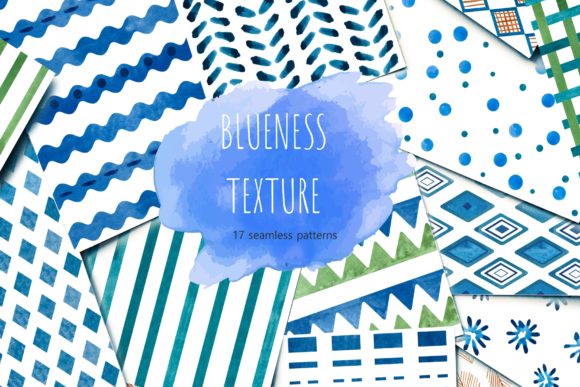
The set includes patterns and textures woven directly into the brushstrokes. Instead of adding backgrounds or overlays later, you can create textured lettering in one pass. That saves time and keeps your workflow simple. The brushes cover a range from fine elegant curves to broader textured fills, giving you options whether you are working on a logo, a greeting card, or a wedding invitation.
Built for Lettering and Calligraphy
The primary purpose of this brushset is to support lettering and modern calligraphy. If you have tried creating elegant letters with standard round brushes, you know that getting a consistent thick-thin contrast can be tricky. These brushes are designed to respond to pressure, so the harder you press, the thicker the line becomes. That natural response makes it easier to produce graceful, flowing text without spending hours adjusting settings.
Because the brushes are hand-drawn, each stroke carries a slightly organic edge. This is especially noticeable when you create large lettering pieces. The texture becomes part of the character of the letters, adding depth without extra work.
Who Can Benefit From This Set?
The Procreate Patterns and Textures Brushset is suitable for a wide range of users. Beginners will appreciate that you can open Procreate, pick a brush, and start writing right away. No complicated configuration is needed. More experienced creators can layer the brushes with blending modes, adjust opacity, or combine them with other tools to build complex designs.
- Casual creators and hobbyists can use the set to make personalized gifts like quote art for their home or thank-you cards for friends.
- Freelancers and designers can craft logos, social media graphics, and branding elements that have a handcrafted feel.
- Small business owners and entrepreneurs can create their own wedding invitations, save-the-date cards, or product labels without outsourcing design work.
- Educators and bloggers can produce engaging visuals for teaching materials, presentations, or online content with consistent style.
Because the set focuses on lettering, it is also useful for anyone who wants to develop their hand-lettering skills. Practicing with brushes that respond well to pressure can help you improve faster than using generic tools.
Realistic Use Cases and Examples
Let's look at a few ways this brushset might be used in everyday projects.
Quotes and Wall Art
Imagine you want to create a motivational quote for your home office. With the Procreate Patterns and Textures Brushset, you can write the text on a canvas, add a subtle color gradient, and export it as a high-resolution image. The texture in the strokes will make it look more like a printed art piece than a standard digital file. You can print it on paper, frame it, or display it on a screen.
Greeting Cards and Stationery
If you make your own greeting cards, having a brush that can produce smooth swashes and flourishes is essential. The set includes brushes that let you create elegant borders and decorative elements alongside your lettering. You can design birthday cards, holiday greetings, or thank-you notes that feel personal and handmade.
Wedding Stationery
Wedding stationery often requires elegant, formal lettering. The brushes in this set can handle names, dates, and longer text with consistent flow. You can design invitations, place cards, and menus that share a cohesive look. The texture adds a tactile quality that photographs well and feels special in person.
Logos and Branding
For entrepreneurs and freelancers, a brushset like this can be used to create wordmarks or short logo text. Because the strokes are not perfectly uniform, the result feels authentic and artisanal. That aesthetic is popular in many industries, including food, beauty, and creative services.
What to Keep in Mind Before Using This Set
There are a few practical points to consider before you purchase or begin using the Procreate Patterns and Textures Brushset.
Device and App Compatibility
This brushset works only inside the Procreate app on an iPad Pro with a compatible pressure-sensitive stylus, ideally an Apple Pencil. It is not compatible with Photoshop, Illustrator, or any desktop or non-iPad software. If you own an iPad Pro and already use Procreate, you are all set. If you are considering buying an iPad for creative work, this set is one example of the tools that take advantage of the Apple Pencil's pressure sensitivity.
Learning Curve for Beginners
Beginners should not worry about complexity. The brushes are ready to use as soon as you import them into Procreate. You do not need to adjust brush settings before each use. However, if you are new to digital lettering, you may want to spend some time experimenting with pressure and speed. Light pressure gives you fine hairlines, while heavier pressure produces thicker downstrokes. Practicing basic strokes will help you get the most out of the set.
File Management and Organization
When you import 22 new brushes, it helps to keep them organized. Procreate allows you to create custom brush sets within the app. You can group these pattern and texture brushes together so they are easy to find. Name them or rearrange the order based on how often you use each one. A little organization early on saves time later.
Why Patterns and Textures Matter for Lettering
Plain smooth lettering has its place, but textured lettering often feels more dynamic. The Procreate Patterns and Textures Brushset adds visual interest without forcing you to overlay patterns manually. Each brushstroke carries its own surface quality, which can make your lettering look like it was drawn on textured paper or printed with interesting ink.
This is particularly useful when you are designing for print or social media. In print, texture hides imperfections and adds a premium look. On screen, it catches the eye and makes your content more memorable. For marketers and bloggers, that extra visual depth can improve engagement.
How to Get Started
After importing the brushes into Procreate, open a new canvas and try each brush in turn. Write a single word or a short phrase. See how the brush responds to pressure changes. Notice the way the pattern or texture affects the outline and fill of each stroke. Experiment with different sizes and colors. You might be surprised how many different looks you can achieve from one set.
If you plan to use the brushes for commercial work, consider combining them with a simple layout grid or a color palette that supports your brand. The brushes themselves are not tied to any specific style, so they can adapt to various moods from luxurious and elegant to playful and casual.
A Note on Hand-Drawn Quality
Because these brushes are hand-drawn, they are not intended to produce identical results every time. Each stroke may vary slightly, which is a feature, not a flaw. That variation is what gives your lettering a natural, human touch. Embrace imperfections as part of the creative process.
If you need exact consistency across many characters, you might want to pair these brushes with Procreate's smoothing or stabilization features. That way you can retain some organic feel while maintaining overall control.
Final Thoughts
The Procreate Patterns and Textures Brushset delivers a focused toolset for anyone who works with lettering and modern calligraphy on the iPad Pro. It is practical for beginners, satisfying for hobbyists, and useful enough for professionals who want to add texture and warmth to their work without extra effort. Whether you are designing wedding stationery, crafting a logo, or simply wanting to create beautiful quotes for your home, these 22 brushes can help you get there faster and with more style.
If you own Procreate 5 or later and an Apple Pencil, this set is worth exploring. It respects the tool you already have and turns it into something more capable. The textures are not overwhelming, the patterns are not distracting, and the lettering remains the star of your work. Give yourself time to experiment, and you will likely discover new ways to express your ideas.